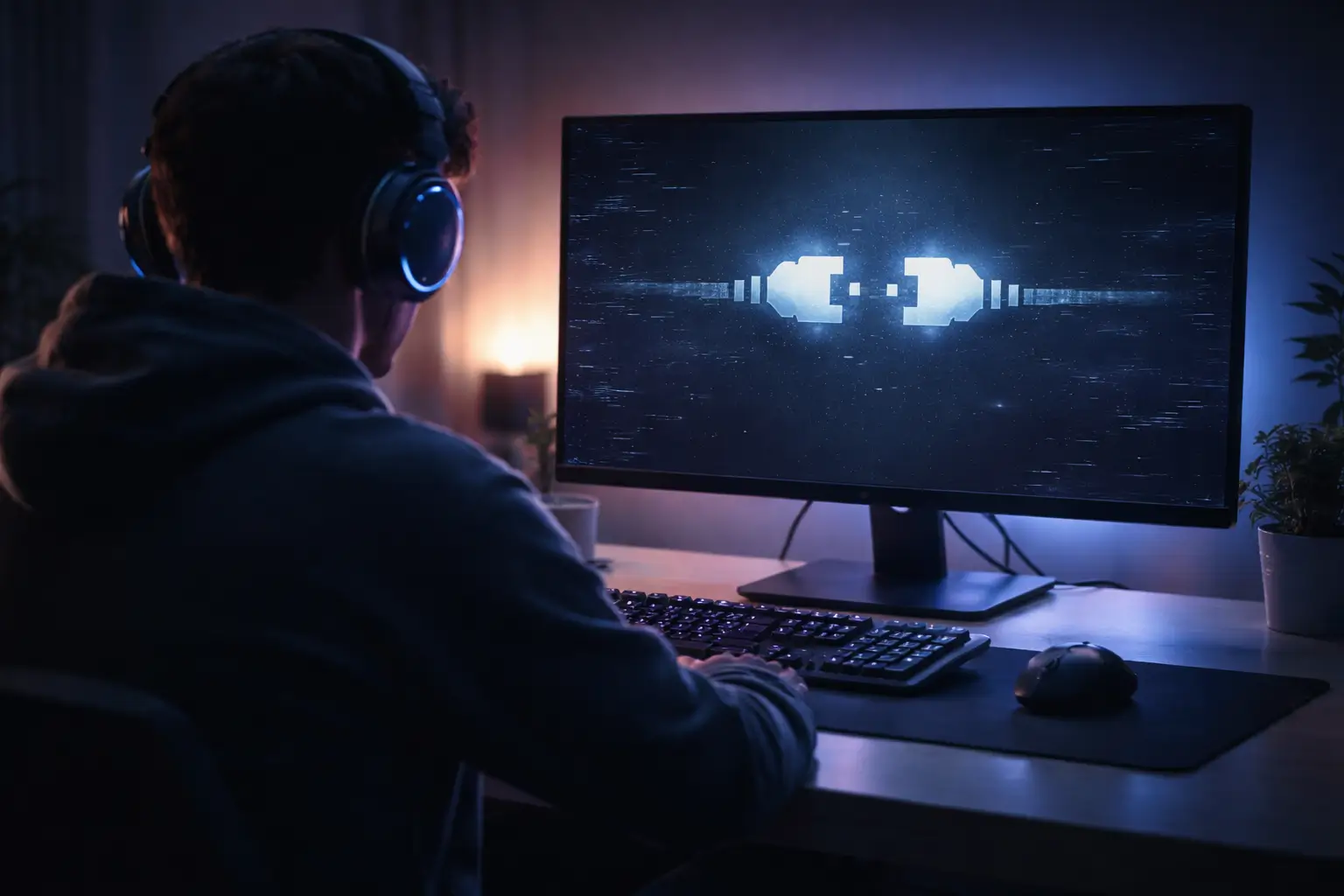
If you’re facing the “league of legends unable to connect to server” error, you’re likely stuck on the loading screen without a clear explanation. This issue usually appears during login or matchmaking and can feel random, especially if your internet seems fine.
In reality, this problem is rarely caused by a single factor. It can be related to your network, system configuration, or even server-side issues. This guide walks you through the exact causes and practical fixes so you can resolve it quickly without trial and error.
What Does “League of Legends Unable to Connect to Server” Mean?
This error occurs when the game client fails to establish a stable connection with Riot servers. It may appear in different forms such as:
- league of legends can’t connect to server
- league of legends failed to connect to the server
- league of legends can t connect to download server
- league of legends unknown error 13
Although the wording changes, the core issue remains the same: something is interrupting communication between your system and the server.
Why League of Legends Cannot Connect to the Server
Before jumping into fixes, it’s important to understand what typically causes this issue. From practical experience, these are the most common reasons:
- Server downtime: Riot servers may be under maintenance or experiencing outages.
- Network instability: Packet loss or unstable Wi-Fi can break connections.
- Firewall restrictions: Security tools may silently block the client.
- DNS issues: Incorrect DNS can prevent server resolution.
- Corrupted game files: Updates can sometimes break essential files.
If you’ve previously faced Windows network-related issues like Windows could not detect proxy settings, similar misconfigurations can also affect your game connection.
League of Legends Unable to Connect to Server Fix (Step-by-Step)
The most effective approach is to follow a structured troubleshooting path instead of trying random solutions.
1. Check Riot Server Status
Always start here. If the servers are down, no fix on your side will work. This often happens during updates or peak hours.
2. Restart Your Internet and System
Restarting your router and PC clears temporary glitches. If you’re on Wi-Fi, try switching to a wired connection for better stability.
3. Run League of Legends as Administrator
Permission issues can block the client from connecting properly. Running the game as administrator ensures full access.
4. Check Firewall and Antivirus Settings
Security software is one of the most common hidden causes. Temporarily disable it and relaunch the game. If it works, whitelist League of Legends permanently.
This is similar to how system-level conflicts can break features like Windows Shift + S not working, where permissions and background services interfere.
5. Fix DNS Settings
Switching to a reliable DNS like Google DNS often resolves connection issues:
- Preferred DNS: 8.8.8.8
- Alternate DNS: 8.8.4.4
This step is especially useful if you’re facing download-related errors.
6. Reset Network Configuration
Over time, network settings can become unstable. Resetting them helps clear deep-rooted issues.
- ipconfig /flushdns
- netsh winsock reset
- netsh int ip reset
If you’re familiar with system glitches like file tmp error in Chrome, you’ll know how often cached data can cause unexpected failures.
7. Repair Game Files
If the issue started after an update, corrupted files are likely the cause. Use the repair option in the client to fix them.
8. Disable VPN or Proxy
VPNs can interfere with server routing and authentication. Disable them before launching the game.
9. Reinstall the Game (Last Option)
If nothing works, reinstalling ensures a clean setup. This should only be done after trying all other fixes.
Related Issues You Might Encounter
Sometimes this error appears alongside other problems, which can help identify the root cause.
If your games are crashing or behaving unexpectedly after updates, issues like games crashing after NVIDIA driver update or black screen after NVIDIA driver update may also be contributing factors.
Driver instability can directly affect how your system communicates with game servers.
How to Prevent This Issue in the Future
Once resolved, a few simple habits can help you avoid facing this issue again.
- Keep your game and system updated
- Use a stable internet connection
- Whitelist the game in your firewall
- Avoid unnecessary VPN usage
- Keep drivers updated to prevent conflicts
If you’re unsure about driver-related issues, guides like NVIDIA driver installation errors can help you maintain system stability.
Quick Summary
- Check Riot server status first
- Restart internet and system
- Run game as administrator
- Fix firewall and antivirus conflicts
- Switch DNS to Google DNS
- Reset network settings
- Repair game files
- Disable VPN or proxy
- Reinstall only if necessary
Conclusion
The “league of legends unable to connect to server” error may look frustrating, but it’s usually straightforward once you approach it logically. Most players fix it within a few steps by focusing on network stability, permissions, or client-side issues.
Follow the steps in order, and you’ll not only fix the problem but also understand how to handle it quickly if it happens again.
FAQs
1. Why does League of Legends say unable to connect to server even with good internet?
This can happen due to DNS issues, firewall blocking, or Riot server outages. Even a stable connection can fail if routing or permissions are misconfigured.
2. How do I fix League of Legends connection issues instantly?
Start by checking server status, then restart your internet and system. If the issue continues, disable firewall temporarily and switch to a public DNS.
3. Can DNS settings affect League of Legends connectivity?
Yes, incorrect DNS settings can prevent your system from locating Riot servers properly, leading to connection failures.
4. Is reinstalling League of Legends necessary to fix this error?
Not always. Most issues are resolved through network fixes or repairing game files. Reinstalling should be the last option.
5. Why does the error appear after a game update?
Updates can sometimes corrupt files or reset permissions, which leads to connection issues. Running the repair tool usually fixes it.